Watchful Data
This tutorial will give you an overview of Watchful Data, how to review active projects in real time. This course will also cover running various reports from Watchful data.
Course Outline
Follow the step-by-step lessons in sequence or jump to any topic.
Watchful data is available at Quintham.com the module will have to be activated on your account for you to access it. Navigate to your dashboard on Quintham.com Select the module Watchful Data Select the required projec…
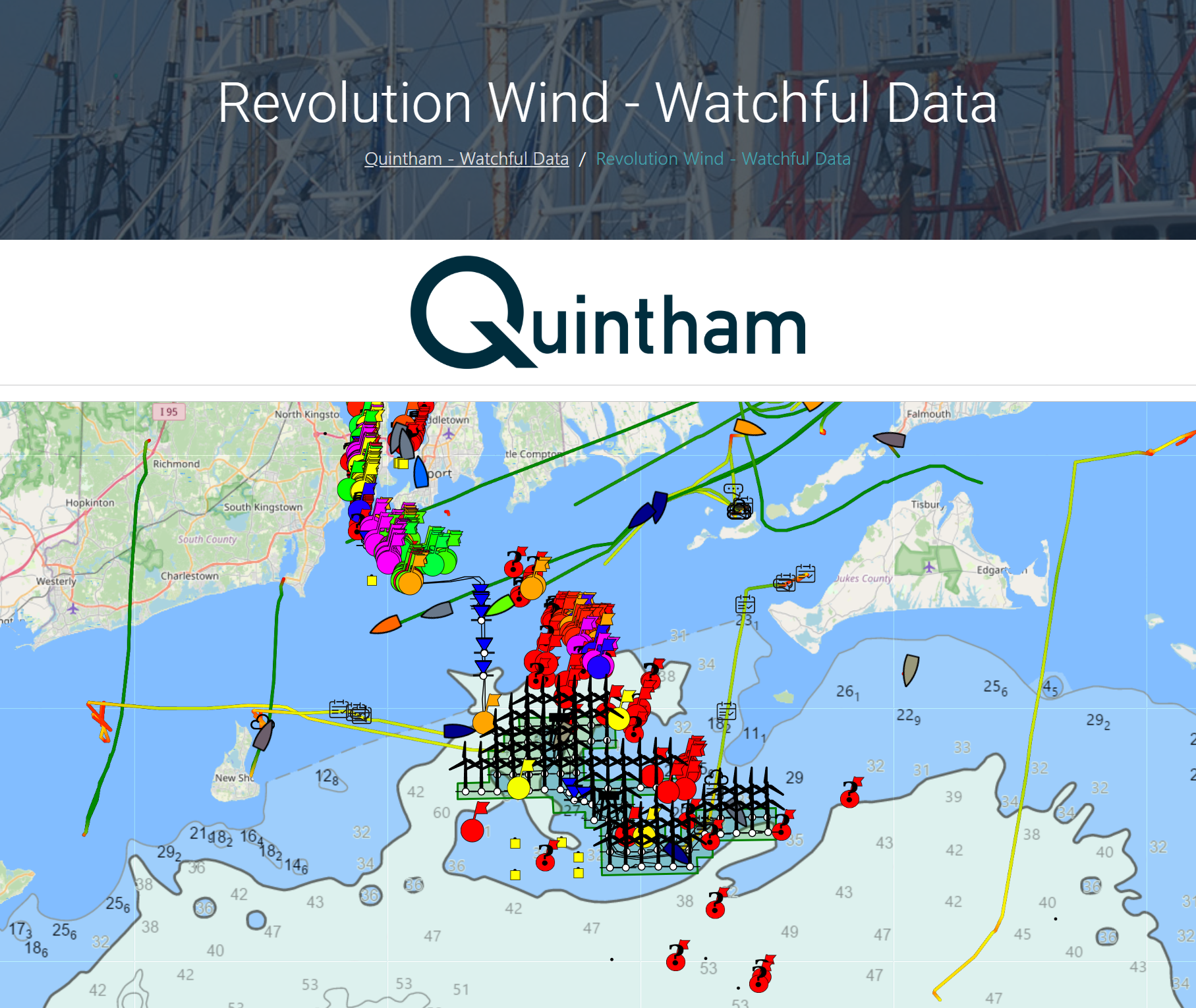
A overview of the controls on the main map, and a short video demonstrating some of the functionality
The top of the table the Previous 24 hours threat level reporting is summarized ( Low Threat, Medium Threat, High Threat ) giving you an instant indication of any issues. Tabs along the top ( Logged Vessels, HSE Events,…
The logged vessels excel report: Creates an excel report with tabs along the bottom Logged vessels( top picture ) Unique vessels (Picture below ) The main report from the logged vessels tab includes enhanced data and vi…
Vessels can also produce fishing gear reports from the Watchful app at any time these are designed to be imported into GIS systems and plotters and can be requested at anytime on a deployment. Current formats from the W…